Professional Industrial Automation Repairing Course - Servo Drive, PLC, HMI & VFD Training
Call now: +91 8851511577
Industrial automation repair is one of the highest-paying technical skills you can learn today. Every factory, manufacturing unit, and industrial setup uses Variable Frequency Drives (VFD), Servo Drives, Programmable Logic Controllers (PLC), and Human Machine Interfaces (HMI) to control their machinery. When these systems fail, production stops, causing huge losses. Companies desperately need skilled technicians who can quickly diagnose and repair these critical automation components. Our VFD repairing course trains you to become that expert technician.
We offer specialized training in four essential industrial automation technologies: VFD repair, Servo Drive repair, PLC troubleshooting, and HMI repair. Each course is designed to give you complete practical knowledge from basic electronics to advanced fault finding. You learn to read ladder logic, understand drive parameters, diagnose communication errors, and repair power circuits. Our training includes extensive hands-on practice with real industrial equipment from leading brands like Siemens, Allen Bradley, Delta, Schneider, ABB, Danfoss, and Yaskawa.
Whether you want to work in factories as an automation technician, start your own industrial service business, or upgrade your existing electrical skills, our VFD repair training gives you the expertise and confidence you need. All courses are conducted offline at our fully equipped lab where you work on actual drives, PLCs, and HMI panels under expert guidance. You learn real-world troubleshooting techniques that engineers use in industrial environments.
Industrial automation repair commands premium rates because the skills are specialized and the stakes are high. A single hour of production downtime can cost companies lakhs of rupees. Technicians who can quickly restore automation systems are highly valued and well compensated. After completing our training, you will have the skills to earn ₹40,000-1,50,000 per month depending on your experience and clientele. This is not just a technical course – it is your entry into a high-income, recession-proof career.
Our VFD Repairing Courses
Servo Drive Repairing Course
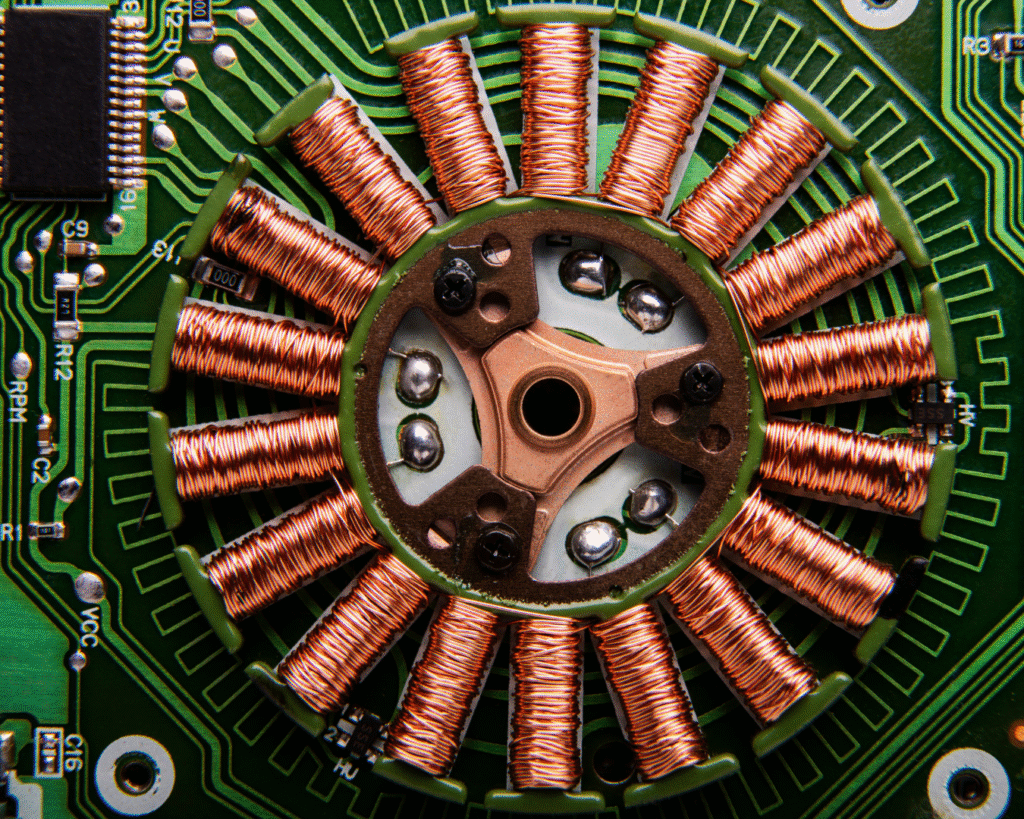
Servo drives are precision motor control systems used in CNC machines, robotics, packaging machinery, and automated manufacturing. These drives control position, speed, and torque with extreme accuracy. When servo drives fail, expensive machines stop working. Our servo drive repairing course teaches you complete troubleshooting and repair of servo systems from all major manufacturers. You learn encoder feedback systems, positioning control, tuning parameters, alarm codes, and power electronics repair.
Who Should Join This Course
- Electrical maintenance technicians in factories
- Automation engineers wanting repair skills
- CNC machine operators and programmers
- Industrial electricians expanding expertise
- Engineering graduates seeking practical skills
- People wanting high-paying technical careers
- Service center technicians
- Entrepreneurs starting industrial service business
What You Will Learn
Servo System Fundamentals: Understand how servo motors differ from normal motors. Learn about closed-loop control systems, feedback mechanisms, and precision positioning. We explain servo technology in simple terms so you grasp the complete working principle. This foundation helps you diagnose any servo problem logically.
Encoder Technology: Master encoder working principles including incremental encoders, absolute encoders, and resolver feedback. Learn encoder wiring, signal checking, and encoder fault diagnosis. Understand how drives use encoder feedback for precise control. Practice encoder replacement and alignment procedures.
Servo Drive Parameters: Learn to navigate drive parameter menus and understand critical settings. Study gain parameters, velocity limits, acceleration settings, and positioning modes. Understand how improper parameters cause problems and how to optimize them. Practice parameter backup and restoration.
Alarm Code Diagnosis: Every servo drive shows specific alarm codes when faults occur. Learn to interpret these codes and trace the root cause. We cover common alarms like overvoltage, overcurrent, encoder error, overload, and communication failure. Practice systematic troubleshooting using alarm information.
Power Circuit Repair: Understand servo drive power stages including rectifiers, DC bus, IGBTs, and gate drivers. Learn to test power components, identify failures, and replace damaged parts. Practice safe handling of high-voltage circuits and proper testing procedures.
Communication Protocols: Study industrial communication used in servo systems including pulse train, analog control, EtherCAT, CANopen, and Modbus. Learn wiring, termination, and troubleshooting communication errors. Understand how to interface servos with PLCs and motion controllers.
Tuning and Optimization: Learn servo tuning techniques to eliminate vibration, overshoot, and following errors. Understand auto-tuning functions and manual tuning methods. Practice achieving smooth, precise motion through proper tuning.
Brand-Specific Training: Get hands-on experience with servo drives from Siemens, Yaskawa, Delta, Panasonic, Mitsubishi, ABB, and Schneider. Each brand has unique features and troubleshooting approaches that you need to know.
Career Opportunities After Course
- Servo drive repair specialist
- Industrial automation technician
- CNC machine maintenance engineer
- Factory automation department
- Manufacturing plant maintenance
- Own industrial electronics service business
- Freelance automation consultant
- Machine tool service provider
What's Included
- Complete servo system theory
- Hands-on practice with real servo drives
- Encoder testing and alignment
- Parameter configuration and tuning
- Alarm code diagnosis
- Power circuit testing
- IGBT troubleshooting
- Communication protocol setup
- Brand-specific guides
- All diagnostic tools
- Safety procedures
- Business guidance
- Spare parts connections
- Lifetime support
- Professional certificate
- Job placement assistance
PLC Repairing Course
Programmable Logic Controllers (PLCs) are the brain of automated industrial systems. They control everything from simple conveyor belts to complex manufacturing lines. Our PLC repairing course teaches you both programming and hardware troubleshooting. You learn ladder logic programming, input/output diagnostics, CPU fault finding, communication troubleshooting, and module replacement. This comprehensive training makes you valuable in any industrial setting.
Who Should Join This Course
- Factory maintenance electricians
- Instrumentation technicians
- Industrial electricians
- Automation engineers
- Engineering students
- Panel builders and programmers
- People wanting industrial careers
- Service technicians upgrading skills
What You Will Learn
PLC Architecture and Components: Understand PLC hardware including CPU modules, power supplies, input/output cards, communication modules, and special function modules. Learn how these components work together. Study different PLC sizes from compact to modular systems. This knowledge helps you diagnose hardware problems quickly.
Ladder Logic Programming: Master ladder logic – the standard programming language for PLCs. Learn to read existing programs, understand logic flow, and modify programs. Practice creating control programs for motors, timers, counters, and sequential operations. Even for repair work, understanding programming is essential.
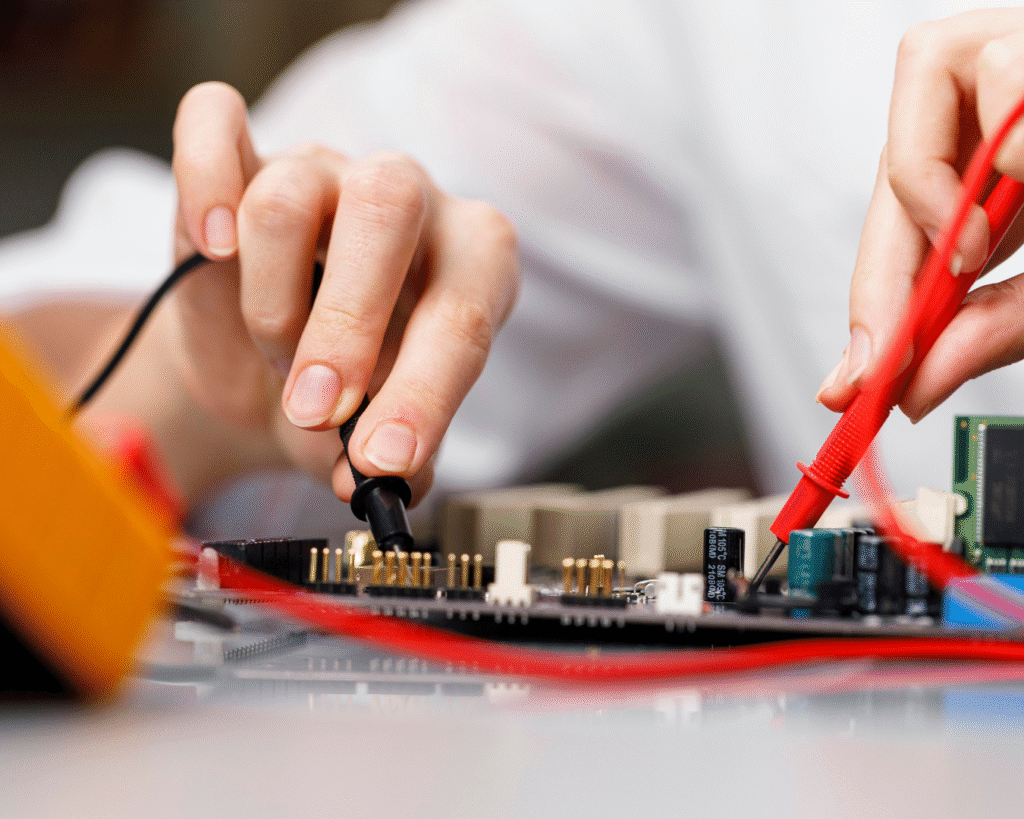
Input/Output Troubleshooting: Learn systematic methods to diagnose input and output problems. Practice testing digital inputs, analog inputs, relay outputs, and analog outputs. Understand sourcing and sinking wiring, voltage levels, and current requirements. Learn to identify faulty I/O cards versus faulty field wiring.
Communication Networks: Study industrial networks including Modbus RTU, Modbus TCP, Profibus, Profinet, Ethernet/IP, and DeviceNet. Learn network wiring, termination resistors, and communication parameter settings. Practice diagnosing communication failures and network errors.
CPU and Memory Diagnostics: Understand PLC CPU operation, battery backup systems, and memory types. Learn to diagnose CPU failures, memory errors, and battery low conditions. Practice program backup, restore, and upload/download procedures. Understand firmware updates and version compatibility.
Power Supply Troubleshooting: Learn to test PLC power supplies, check voltage levels, and diagnose power-related faults. Understand power budget calculations and when power supplies are overloaded. Practice replacing power supply modules and external power sources.
Fault Finding Techniques: Master systematic troubleshooting approaches for PLC systems. Learn to use diagnostic LEDs, online monitoring, forced I/O testing, and program simulation. Practice identifying problems in complex systems with multiple interconnected PLCs.
Analog Signal Handling: Understand analog input scaling, 4-20mA signals, 0-10V signals, and RTD/thermocouple inputs. Learn to calibrate analog channels, troubleshoot signal drift, and diagnose wiring problems. Practice configuring analog parameters correctly.
Timer and Counter Applications: Study how PLCs use timers and counters for automation. Learn different timer types (on-delay, off-delay, retentive) and counter modes (up, down, up/down). Practice troubleshooting timing-related control issues.
Brand Training: Get practical experience with PLCs from Siemens (S7-300, S7-1200, S7-1500), Allen Bradley (CompactLogix, ControlLogix), Mitsubishi, Schneider, Delta, Omron, and ABB. Learn brand-specific software and troubleshooting tools.
Career Opportunities After Course
- PLC programmer and technician
- Industrial automation engineer
- Factory maintenance specialist
- Panel programming and commissioning
- Own industrial automation service
- Remote PLC support consultant
- SCADA/automation integrator
- Manufacturing plant engineer
What's Included
- Complete PLC hardware/software training
- Multiple PLC brands practice
- Ladder logic programming
- I/O troubleshooting
- Communication diagnostics
- CPU fault finding
- Power supply testing
- All PLC software provided
- Analog signal calibration
- Timer/counter applications
- Real faulty PLC troubleshooting
- Brand-specific procedures
- Diagnostic tools training
- Lifetime support
- Professional certificate
- Job placement connections
HMI Repairing Course
Human Machine Interfaces (HMI) are touchscreen panels that operators use to control and monitor industrial processes. These panels display real-time data, accept user inputs, and show alarms and trends. Our HMI repairing course teaches you screen design, PLC communication setup, troubleshooting display problems, touchscreen calibration, and panel configuration. You learn to work with HMI panels from all major brands used in industries.
Who Should Join This Course
- PLC programmers wanting HMI skills
- Industrial electricians
- Panel designers and integrators
- Factory maintenance technicians
- Automation engineers
- SCADA developers
- Engineering graduates
- Service center technicians
What You Will Learn
HMI Hardware Components: Understand HMI panel construction including LCD/TFT displays, touchscreen layers, processor boards, and communication ports. Learn about panel specifications like screen size, resolution, brightness, and operating temperature. Study power requirements and mounting methods.
Screen Design and Graphics: Learn HMI screen design software to create operator interfaces. Practice adding buttons, indicators, numeric displays, trend graphs, and alarm lists. Understand how to make user-friendly screens that operators can use easily. Learn to import existing projects and modify screens.
PLC-HMI Communication: Master connecting HMI panels to PLCs using various protocols. Learn Modbus, Ethernet/IP, Profinet, and proprietary protocols. Practice configuring communication parameters, device addresses, and register mapping. Understand how to troubleshoot communication failures.
Tag Database and Addressing: Learn to create tag databases linking HMI objects to PLC memory addresses. Understand direct addressing versus symbolic addressing. Practice organizing tags for easy maintenance. Learn efficient addressing methods for large projects.
Alarm Configuration: Study alarm types including discrete alarms, analog alarms, and system alarms. Learn to configure alarm priorities, acknowledgment requirements, and alarm logging. Practice creating alarm summaries and historical alarm viewers.
Recipe and Data Logging: Understand recipe management for storing production parameters. Learn data logging for recording process values over time. Practice configuring log intervals, file sizes, and data export to USB or network drives.
Touchscreen Troubleshooting: Learn to diagnose and fix touchscreen problems including calibration errors, dead zones, and erratic response. Understand resistive versus capacitive touchscreens. Practice screen replacement and calibration procedures.
Display Problems: Study common display issues like dim screen, lines on display, color problems, and complete display failure. Learn backlight troubleshooting and replacement. Understand when screens can be repaired versus needing replacement.
Communication Diagnostics: Master troubleshooting HMI-PLC communication errors. Learn to check cable wiring, termination, baud rates, and protocol settings. Practice using communication diagnostic tools built into HMI software.
Project Backup and Transfer: Learn to backup HMI projects, transfer to new panels, and recover from failures. Understand firmware updates, operating system upgrades, and version compatibility issues.
Brand Coverage: Get hands-on training with HMI panels from Siemens (Comfort Panel, Basic Panel), Allen Bradley (PanelView), Schneider (Magelis), Delta (DOP), Weintek (cMT, eMT), Omron, and Mitsubishi.
Career Opportunities After Course
- HMI programmer and designer
- SCADA developer
- Panel programming specialist
- Industrial automation engineer
- Factory HMI maintenance
- Freelance HMI consultant
- Automation project integrator
- Remote monitoring specialist
What's Included
- Complete HMI hardware/software theory
- Real HMI panels practice
- Screen design software training
- PLC-HMI communication setup
- Tag database configuration
- Alarm and data logging
- Touchscreen calibration/repair
- Display troubleshooting
- Communication diagnostics
- Project backup/transfer
- All HMI software provided
- Brand-specific guides
- Real panel troubleshooting
- Business guidance
- Lifetime support
- Professional certificate
VFD Repairing Course
Variable Frequency Drives (VFD) control the speed of electric motors by varying the frequency and voltage of power supply. VFDs are used extensively in industries for pumps, fans, conveyors, compressors, and all motor-driven equipment. Our VFD repairing course teaches you complete drive operation, parameter programming, fault diagnosis, and power electronics repair. You learn to work on drives from 0.5HP to 500HP across all major brands.
Who Should Join This Course
- Industrial electricians
- Pump and motor technicians
- Factory maintenance staff
- Electrical contractors
- Panel builders
- Engineering graduates
- People wanting industrial careers
- Service technicians
Download Brochure - VFD Repairing Course
What You Will Learn
VFD Working Principle: Understand how VFDs convert AC power to DC and then back to variable frequency AC. Learn about rectifier sections, DC bus, inverter sections, and gate drive circuits. Study V/F control, vector control, and sensorless vector control methods. This foundation helps you understand any VFD problem.
Parameter Programming: Master VFD parameter settings including acceleration time, deceleration time, maximum frequency, base frequency, voltage settings, and current limits. Learn to configure multiple motor control modes, speed references, and operational features. Practice parameter optimization for different applications.
Wiring and Connections: Learn proper VFD installation including input power wiring, motor connections, control signal wiring, and grounding. Understand the importance of shielded cables, proper cable routing, and EMI reduction. Practice safe wiring techniques.
Control Methods: Study different VFD control modes including keypad control, analog control (0-10V, 4-20mA), digital control (multi-step speeds), and communication control (Modbus, Profibus). Learn to configure and troubleshoot each control method.
Protection Features: Understand VFD protection functions including overcurrent, overvoltage, undervoltage, overload, overheating, ground fault, and phase loss protection. Learn how drives detect these conditions and how to troubleshoot protection trips.
Alarm and Fault Diagnosis: Master interpreting VFD fault codes and alarm messages. Learn systematic troubleshooting for common faults like overcurrent trip, DC bus overvoltage, motor overload, and communication errors. Practice finding root causes quickly.
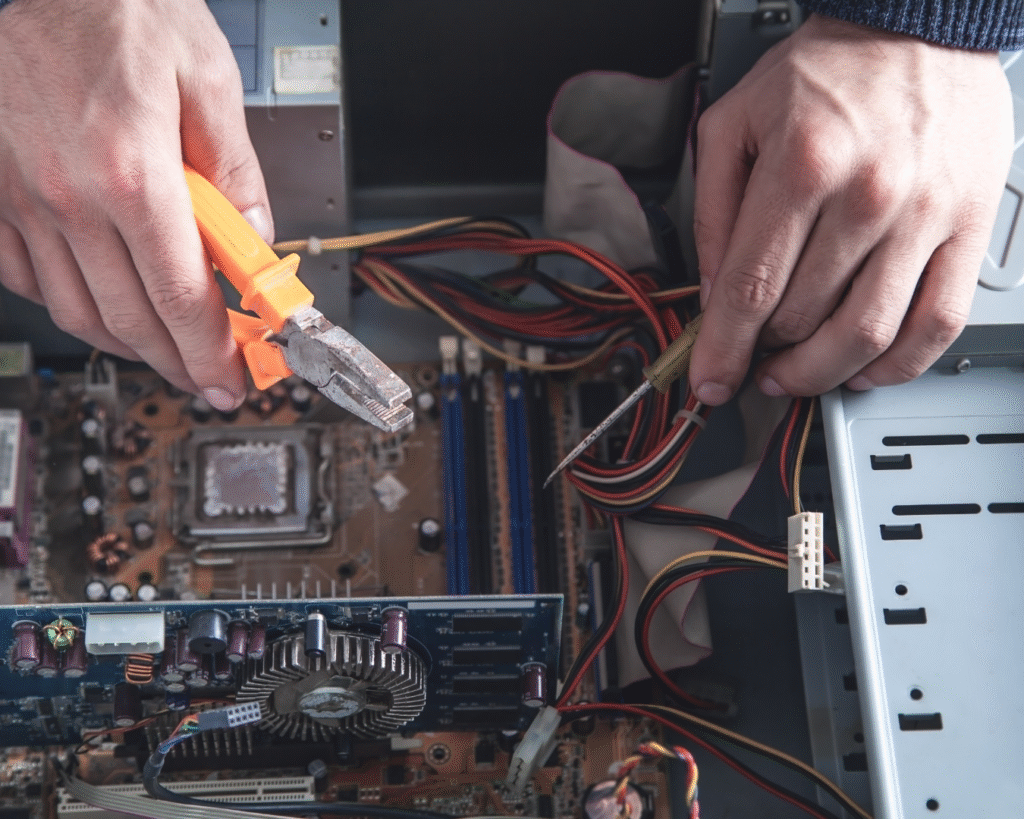
Power Circuit Repair: Learn to test and repair VFD power components including rectifier diodes, DC bus capacitors, IGBT modules, gate drivers, and current sensors. Understand safe testing procedures for high-voltage circuits. Practice component replacement techniques.
DC Bus and Capacitor Testing: Study DC bus operation, capacitor bank function, and pre-charge circuits. Learn to measure DC bus voltage, test capacitors for capacity and ESR, and diagnose bus-related problems. Understand when capacitors need replacement.
IGBT Module Testing: Learn to test IGBT power modules safely. Understand IGBT failure modes and how to identify faulty modules. Practice IGBT replacement including thermal paste application and proper mounting.
Braking Systems: Study dynamic braking, regenerative braking, and braking resistor sizing. Learn to configure braking parameters and troubleshoot braking issues. Understand when external braking resistors are needed.
Application-Specific Settings: Learn VFD settings for different applications like pumps (constant pressure), fans (air flow control), conveyors (precise positioning), and cranes (torque control). Understand PID control configuration for closed-loop applications.
Brand Training: Get extensive practice on VFDs from ABB, Siemens, Schneider, Delta, Danfoss, Yaskawa, Allen Bradley, Mitsubishi, LS, Fuji, and Chinese brands. Each brand has unique features and parameter structures.
Career Opportunities After Course
- VFD installation specialist
- Industrial drive technician
- Motor control expert
- Factory maintenance engineer
- Own drive service business
- Pump and motor service provider
- Industrial panel commissioning
- Freelance automation technician
What's Included
- Complete VFD technology theory
- Multiple drive sizes practice
- Parameter programming
- Wiring and installation
- Control method configuration
- Protection diagnosis
- Power circuit testing
- DC bus troubleshooting
- IGBT testing/replacement
- Braking system configuration
- Application-specific settings
- All major brands
- Diagnostic equipment
- Safety procedures
- Lifetime support
- Professional certificate
Why Learn VFD and Industrial Automation Repair With Us?
Industry-Experienced Instructors
Our trainers are not academic teachers but working automation engineers and technicians with 10-15 years of field experience. They have worked in factories, commissioned industrial systems, and repaired thousands of drives, PLCs, and HMI panels. They know real-world problems that textbooks do not cover. They teach you the practical tricks and shortcuts that save time in actual troubleshooting. Learning from professionals who do this work daily gives you insights no classroom teacher can provide.
Real Industrial Equipment Training
We maintain a comprehensive lab stocked with actual industrial automation equipment. Multiple VFDs from 0.5HP to 10HP, several PLC models from different manufacturers, various HMI panels, and complete servo systems are available for hands-on practice. You do not watch demonstrations on a screen – you physically wire drives, program PLCs, design HMI screens, and troubleshoot real faults. This practical experience is what makes you job-ready from day one.
Brand-Neutral Comprehensive Training
Unlike brand-specific training centers that teach only one manufacturer’s products, we train you on equipment from all major brands. In real industrial work, you encounter Siemens today, Allen Bradley tomorrow, and Delta next week. Our multi-brand approach makes you versatile and employable anywhere. You learn the fundamental principles that apply across all brands, plus brand-specific features of each major manufacturer.
Actual Fault Diagnosis Practice
We do not just show you perfect working systems. We create real faults in equipment and train you to diagnose them systematically. Parameter errors, communication failures, blown IGBTs, encoder problems, I/O card failures – you practice finding and fixing actual problems. This troubleshooting experience is invaluable because reading about faults and actually finding them are completely different skills.
Software and Programming Tools Provided
All automation equipment requires specialized software. We provide licensed software for all the PLCs, HMIs, and drives we train on. You get hands-on experience with Siemens TIA Portal, Allen Bradley Studio 5000, Delta programming software, various HMI design tools, and drive configuration utilities. This software exposure is essential because industrial employers expect you to know these tools.
Safety Training for High-Voltage Work
Industrial automation involves working with dangerous high voltages. We take safety seriously and train you on proper safety procedures from day one. Lock-out tag-out procedures, personal protective equipment use, safe testing methods, and emergency responses are all covered. We want you to not only be skilled but also safe in your work.
Post-Training Support Network
Your learning does not end when the course finishes. We provide ongoing support for any problems you face in actual work. Call or message us with technical questions and we help you resolve them. We also maintain a network of past students who share knowledge and job opportunities. This community support system continues helping you throughout your career.
Job Placement Assistance
We have strong connections with factories, automation companies, panel builders, and service centers. These businesses regularly contact us looking for trained technicians. We share your profile with them and help with interview preparation. Many students get placed within weeks of course completion. We also guide those who want to start their own industrial service businesses.